
Event Promotion
Senior Living Event Promotion Made Simple
Add a Calendar Event. Update details in the Campaign setup wizard. Your Event is live on your website with an email/social campaign ready to go in minutes. Planning, Marketing and Sales teams stay aligned. It’s as simple as that.
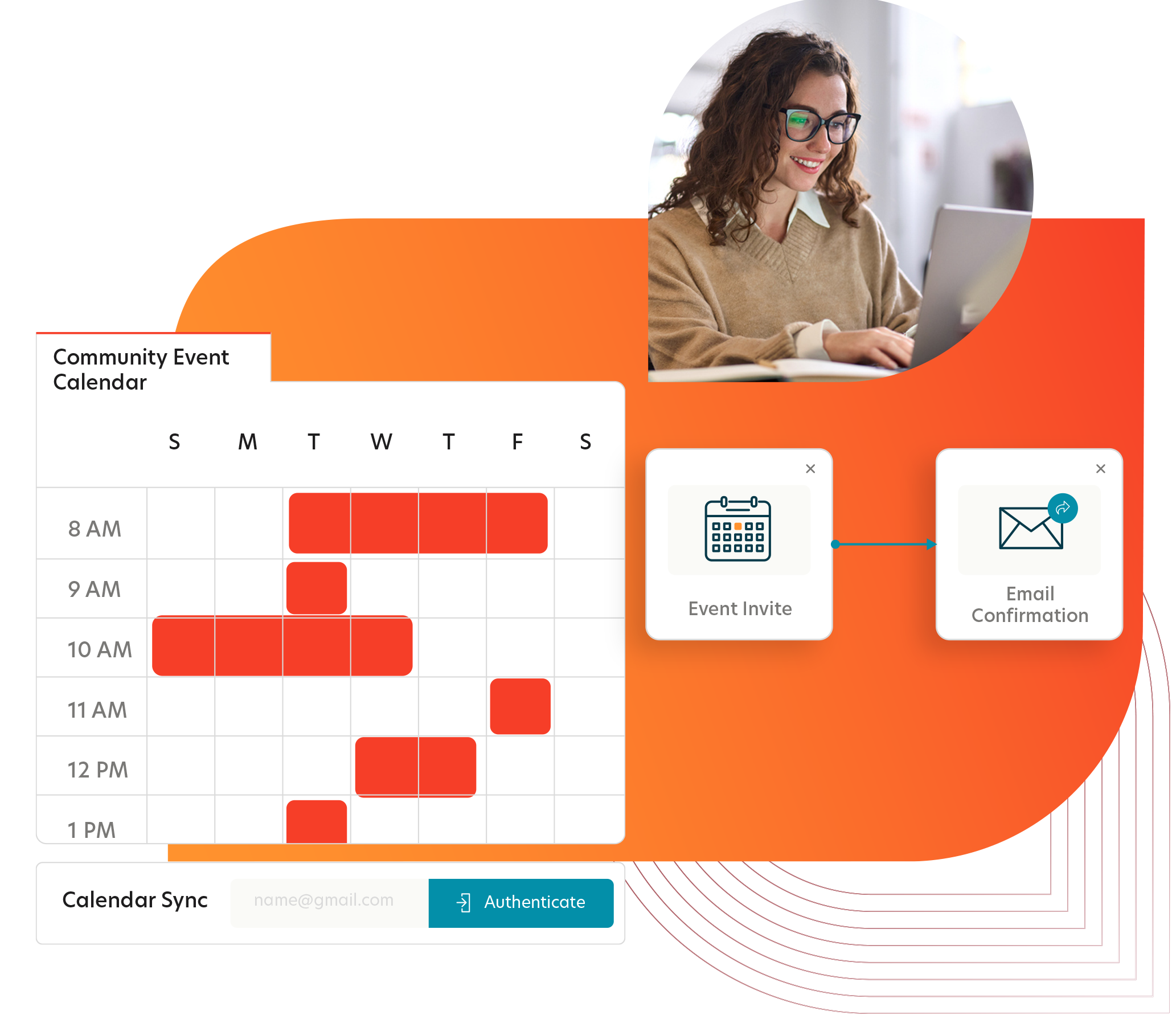
Event Promotion Made Easy for Planner and Marketing Teams.
The Main Benefits
Streamlined Communication Between Community Planners and Marketing
Event planners use familiar tools like Office365 or Google Calendar to enter event details. Marketers select which events to promote, ensuring all events remain visible in one centralized location.

Comprehensive Event Campaigns
Event Promotion Campaign Templates allow marketers to efficently promote events for one or more communities. Quickly deploy events to website Event Calendars, email and social promotions, and handle RSVPs.
Flexible Campaign Automation
Sometimes event plans need to change which will impact scheduled campaign promotions. No problem. Updates or cancellations made to the shared Community Planner events are automatically reflected to connected campaigns after confirmation by the Marketing team.
Coordination With Marketing and Sales
ActiveDEMAND’s event promotion solution integrates with supported CRM event outreach tracking. ActiveDEMAND keeps RSVP and attendance results synchronized so that Marketing and Sales teams can coordinate their outreach effectively.
Connect Community Event Planners
Event planners create an event on their shared calendar. Automation generates promotion content cards which are automatically displayed on your website Event Hub. Information provided populates the connected Event campaign for the Marketing team to review and refine as needed.
Real-Time Community Event Calendar
Display upcoming Community Events on your website. Choose Calendar, List or Grid style content cards that update in real-time with detailed changes. Marketers select which events to promote, ensuring all events remain visible in one centralized location.
Full Featured Event Campaign Templates
Event Promotion Campaign Templates provide marketers with everything needed to promote events for communities – Promotional emails and social posts, RSVP landing page and follow-up, post event survey and more.
Attendance Management and Follow-up Built in.
Check people in with any phone and automate post event follow up steps. There is even an option to print name tags on demand. CRM integration ensures Sales and Marketing teams stay coordinated.
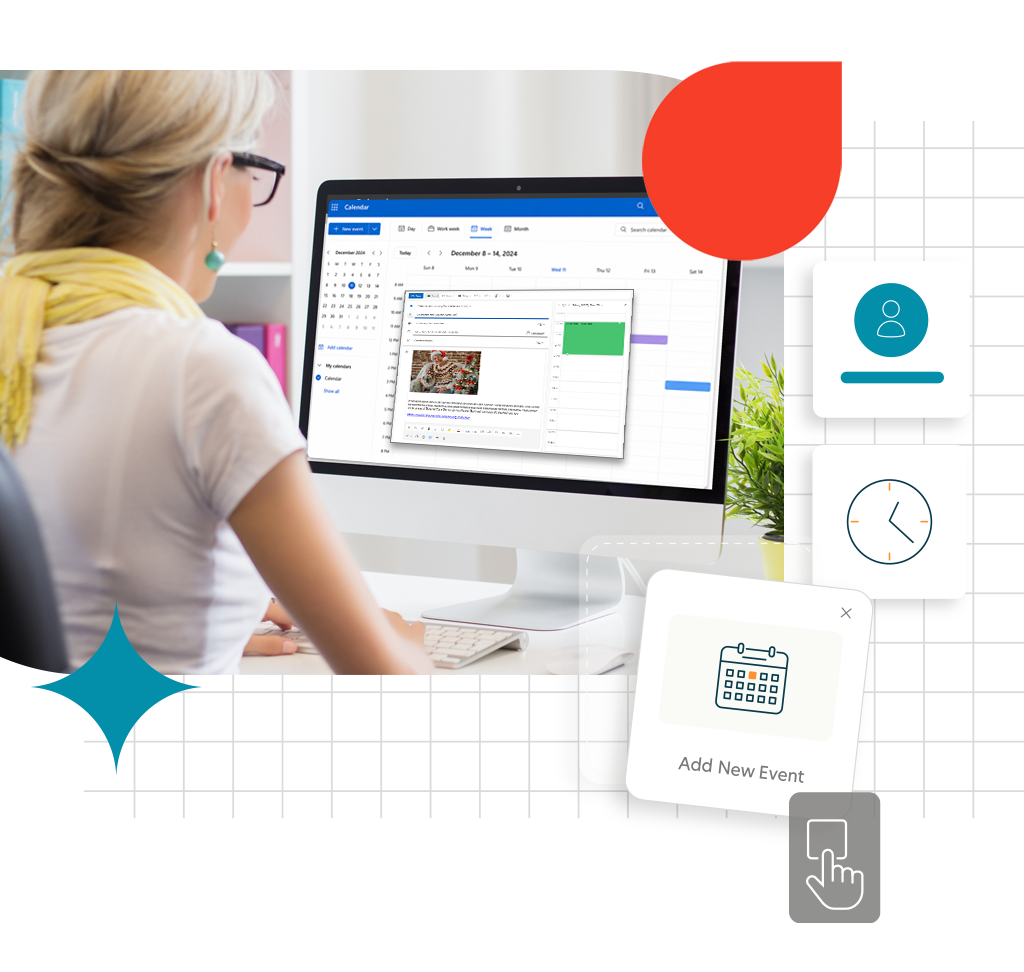
Add an event to your Shared Planning Calendar.
Event planners create an Office 365 or Google appointment on a shared event planning calendar that is connected to an ActiveDEMAND Marketing Campaign Calendar. This bridges the gap between community teams planning events and marketing teams promoting them.
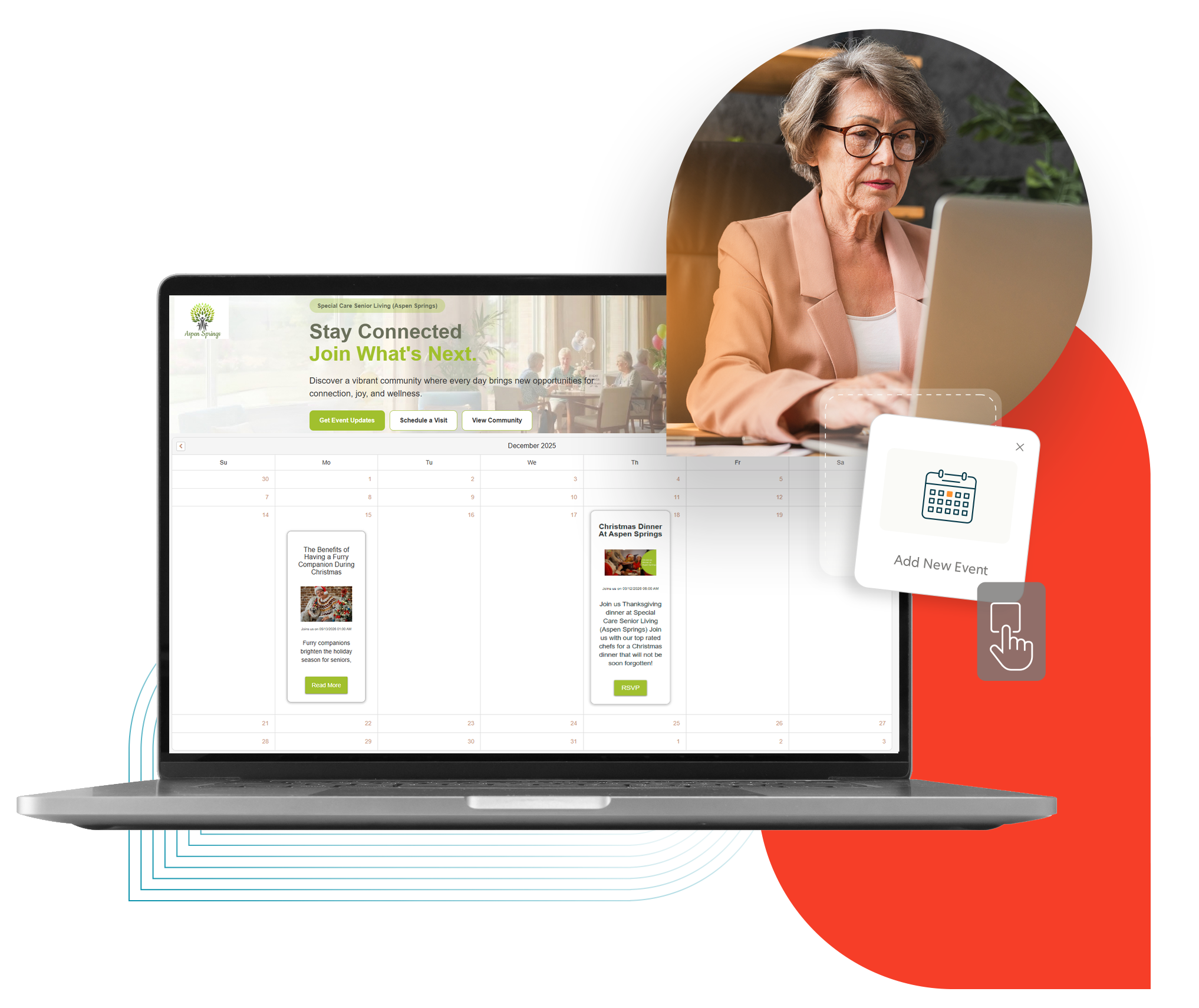
Automatically added to the Community Event Calendar.
Appointments added to the shared event planning calendar will auto-generate a dynamic content card with description, image, date, and URL. These cards are automatically displayed on the website via a Content Hub, your Community Event Calendar. Marketers can choose different styles based on individual community needs, like Calendar, List, or Grid formats.
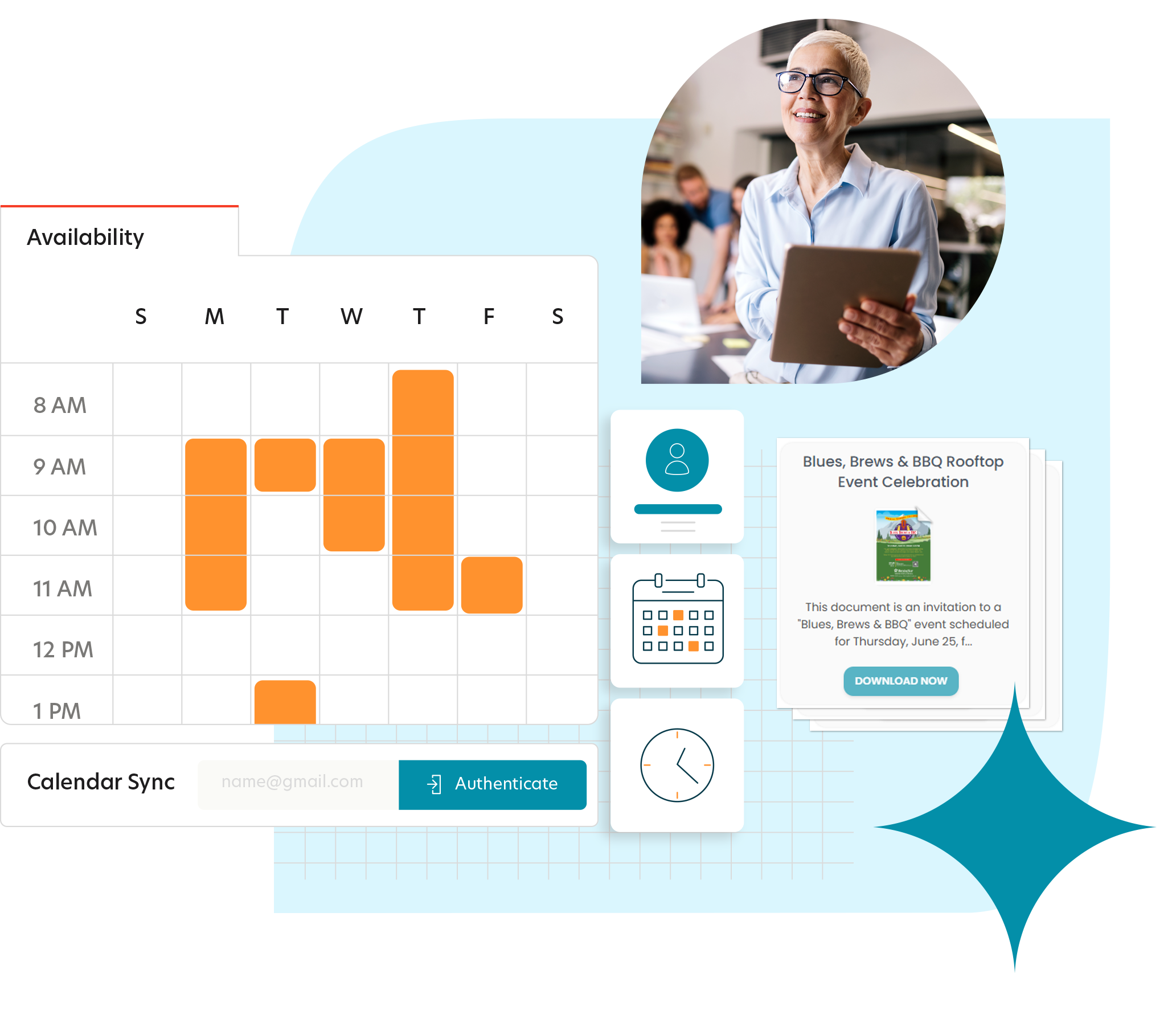
Marketing Campaign Calendar is updated.
When a Community planner adds events to their shared calendar, the associated Marketing Campaign Calendar provides key features for the marketing team.
- Automatic sync: Events from external calendars import as appointments
- Real-time updates: Planner changes, cancellations, or deletions update automatically
- Auto-generated Content Cards: Appointment creates dynamic content cards with description, image, date, and RSVP link for website display
Update Campaign Template with additional information.
The Marketing team (or the Community Planner) can update the associated Campaign Template with additional details – right from the Marketing Campaign Calendar! Make every event special by customizing email subject lines, RSVP email and landing page content, updating images, and more.


RSVP and Attendance Management are built in.
The campaign includes an on-site check-in list. Attendees can be checked in by scanning the QR code with a phone or clicking the “attended” button on a tablet at the event. The system can automatically print a name tag for the attendee using a connected label printer. The campaign also sends a follow-up survey to all attendees, and a ‘sorry we missed you prompt for upcoming events to everyone else.

Start Promoting Your Events, Quickly and Easily Today!
Ease the pain of displaying, updating, and promoting your community events. Book a demo to see how!